
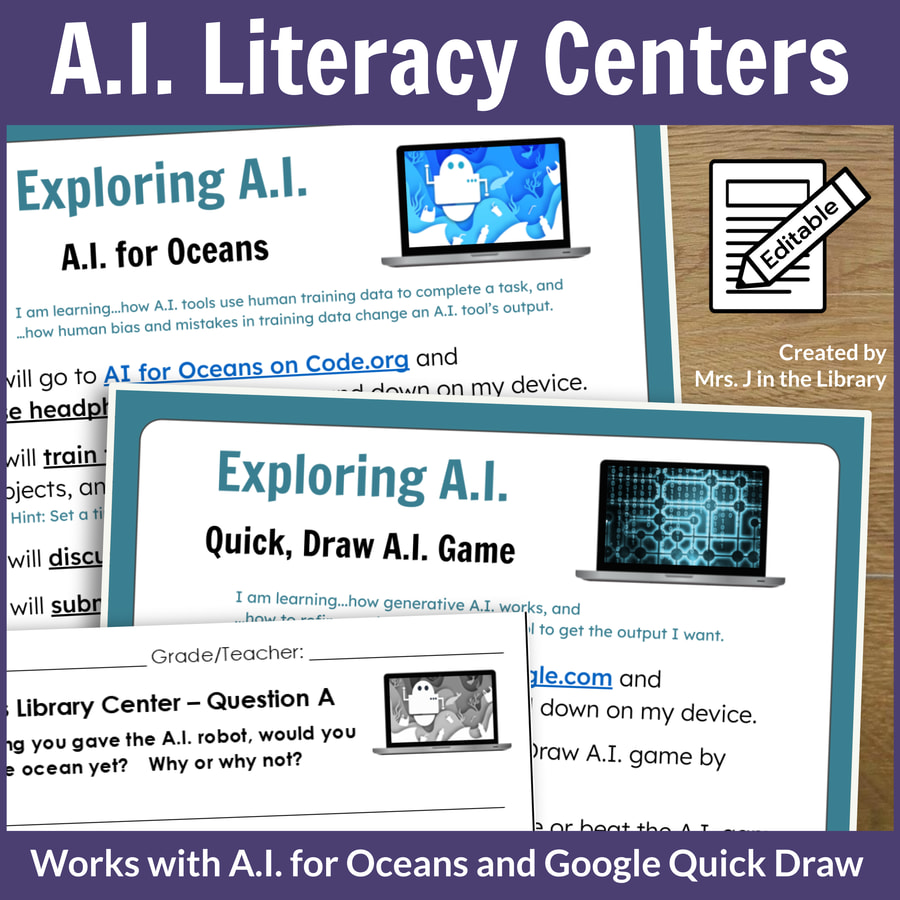


Generative A.I. Intro & Library Centers for Google Quick Draw and AI for Oceans
$10.00
Grade Levels:
3rd Grade, 4th Grade, 5th Grade, and 6th Grade
adaptable for middle school
Teaching Duration:
2 to 4 class periods
This introductory lesson and 2 library centers let students explore and learn about generative A.I. (artificial intelligence, or AI) without actually using an active generative AI tool.
NOTE: Students must have access to the AI for Oceans activities on Code.org and/or Google’s Quick, Draw AI to use this lesson and centers. Both of these tools are designed for education and exploring so our students can make informed choices about using A.I. or not.
This mini unit includes:
“A.I. for Oceans” Library Center Sign for students to explore how generative A.I. works
“Quick, Draw” AI Library Center Sign for students to demonstrate understanding how generative A.I. work
- Editable in Microsoft PowerPoint .pptx file and Google Slides formats
- Learning target or goal and “We will…” statements for student directions
- Excerpt of standards addressed
- 8.5″ x 11″ paper size, includes both portrait and landscape versions
- Includes both printable and digital versions to use with physical sign holder or post to an online learning management system like Google Classroom, SeeSaw, Schoology, etc.
- Easy-to-print PDF files also included.
Five (5) Written Reflection Questions to use as an exit ticket for assessment, or to encourage discussion of A.I. tools
- Printable version is a Microsoft PowerPoint file, and printed 2 per letter-size page.
- Digital versions are in Google Forms.
Links to free lessons to introduce A.I. basics and vocabulary to your students before they use these centers for independent practice or group work
Comprehensive, Editable Lesson Plan for 3rd, 4th, 5th, and 6th grades, aligned to:
- National Common Core Standards (ELA),
- AASL National School Library Standards for Learners, and
- LibraryReady.ai AI Scope and Sequence Concepts.
Text and video directions for posting center materials in Google Classroom
Teacher Notes with more resources and information to help you set up and use the library center in a new or existing library centers structure
All files are editable in Microsoft PowerPoint/Word and Googles Slides/Docs and also available in easy-to-print PDF file format.
Terms of Use
© Mrs. J in the Library – By purchasing this product, you receive a one-user license. Copying or distributing to others is prohibited. See my Digital Resources Terms of Use and Store Policies page for more information. For teacher-librarians: You may use this product with all of your classes and students.
Questions before buying? If the free preview file does not answer your question, you can contact me through this link with questions.